Preparation creates confidence
Route details, gear, weather, and timing are safety features before the hike even begins.
A safety-first companion that helps solo hikers choose a trail, prepare with confidence, navigate offline, and close the loop after the hike.
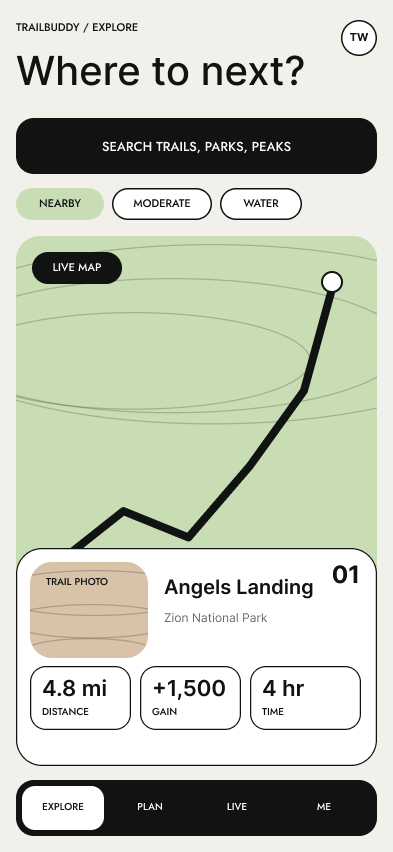
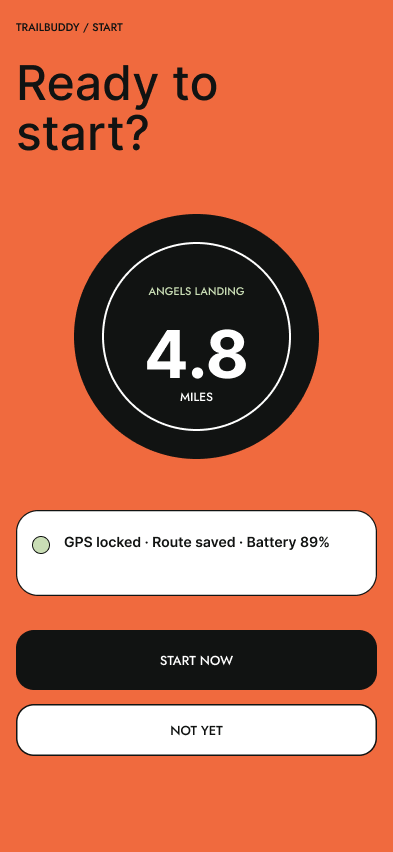
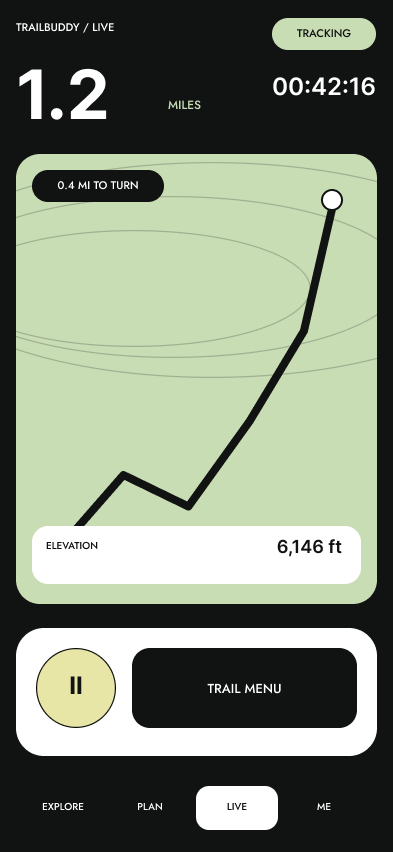
One hike. Too many disconnected tools.
Planning, trail conditions, navigation, safety check-ins, and gear preparation often live across different apps—or outside an app entirely. That fragmentation creates gaps precisely when clarity matters most.
TrailBuddy connects those moments in one continuous flow: choose a trail, prepare the plan, save the route, navigate without service, and clearly signal a safe return.
Listening before designing
I combined competitive research with interviews about the routines, worries, and workarounds solo hikers rely on in the real world.
Route details, gear, weather, and timing are safety features before the hike even begins.
Offline navigation and a visible route back matter more than feature depth once service disappears.
Solo hikers still want someone they trust to know the plan, the return time, and when it changes.
On-trail tools have to be fast, legible, and dependable in motion, sunlight, and uncertain conditions.
“I just want someone to know where I am.”— Research participant
Affinity map, interview notes, or empathy map
Solo Trekker Sam persona card
From insight to flow
Explore → Results → Details → Prep → Plan
Confirm → Track → Controls → End → Recap
Crazy 8s, paper sketches, and concept exploration
Early Red Route 01 sequence
Early Red Route 02 sequence
Observed behavior drove every revision
Two rounds of usability testing exposed the small decisions that could strengthen—or weaken—trust in an outdoor safety tool.
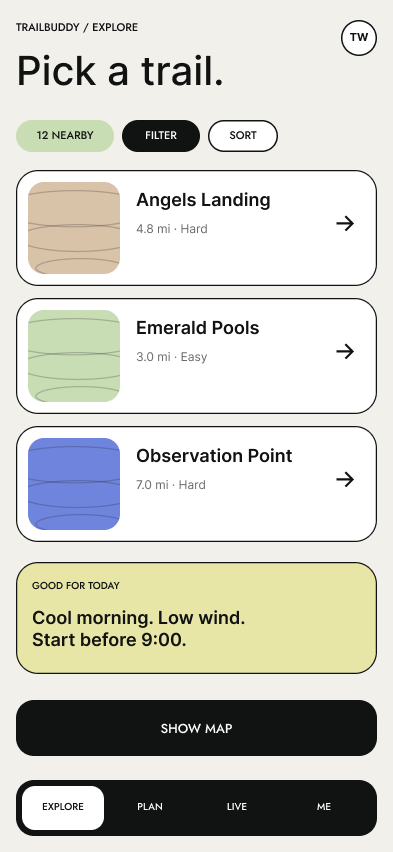
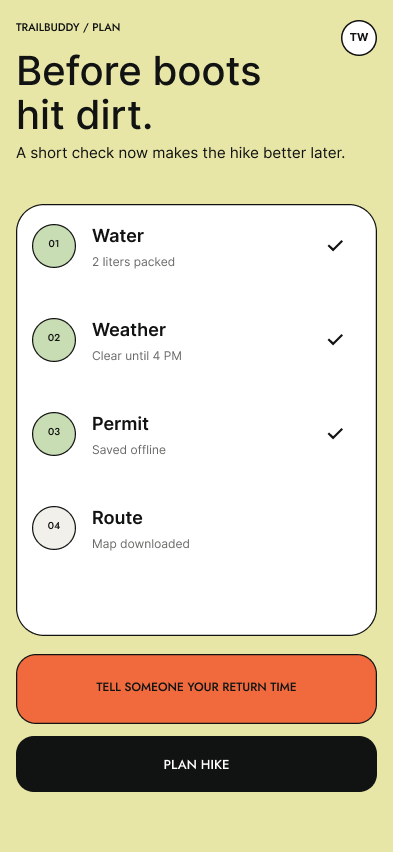
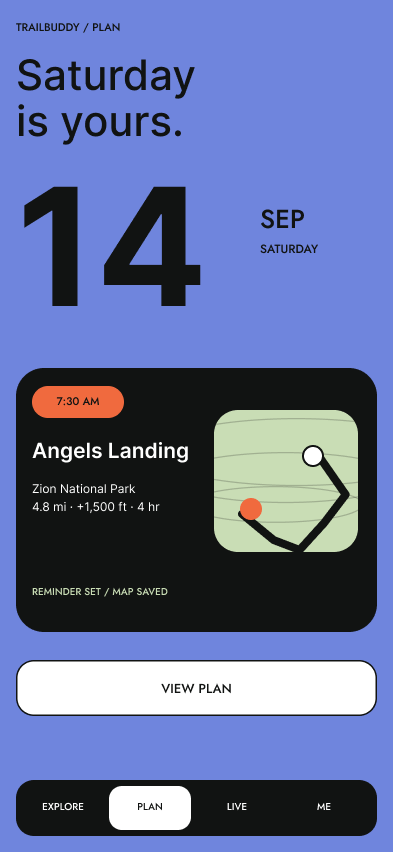
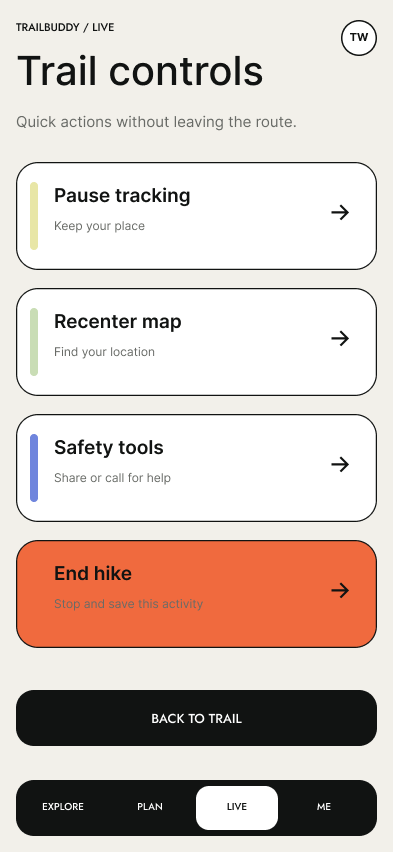
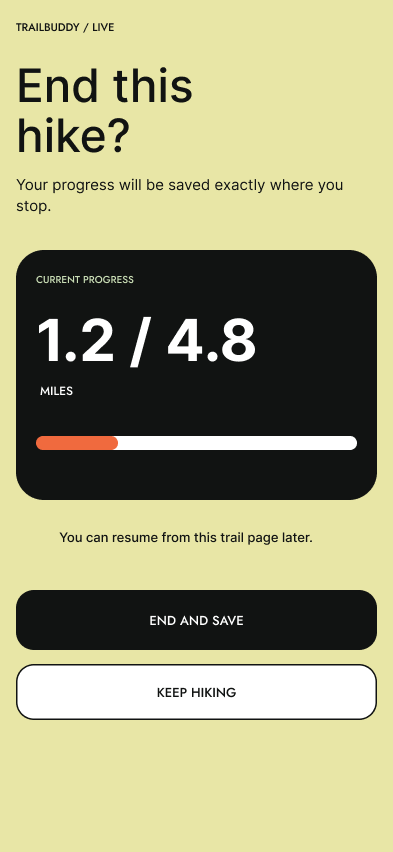
A calmer system for uncertain environments
Compare routes and prepare the essentials.
Track progress and keep the route close.
Finish clearly and preserve the hike.
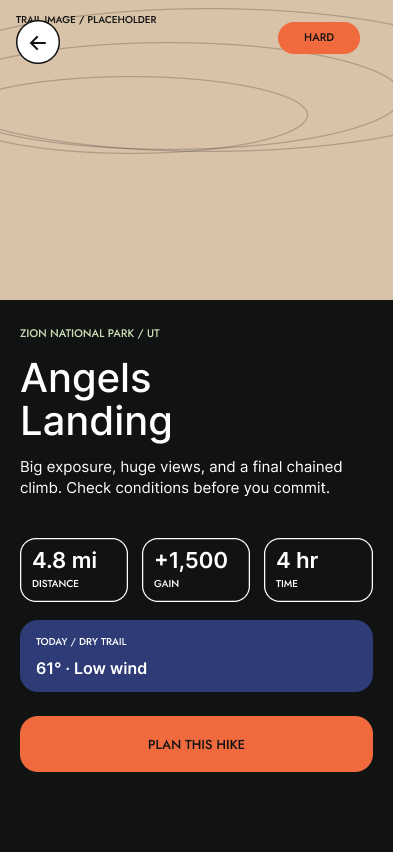
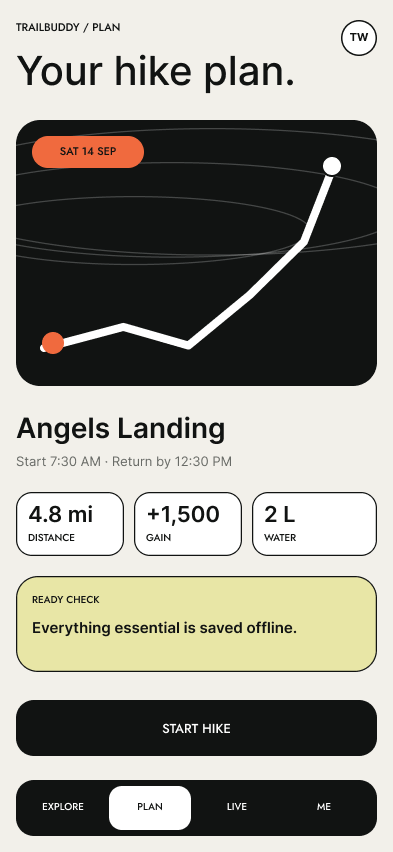
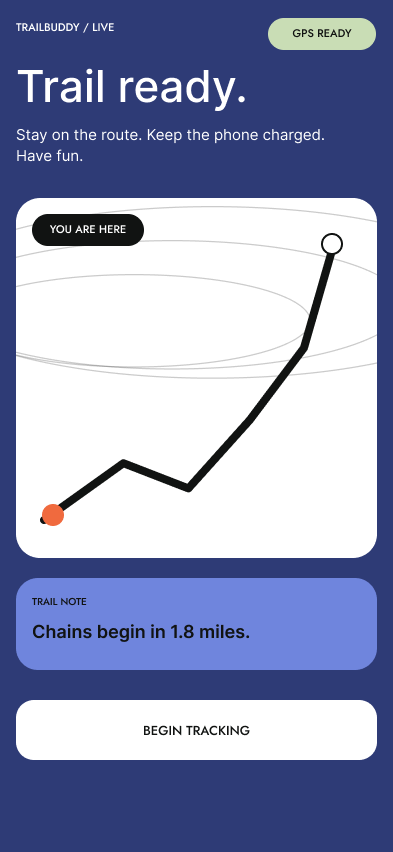
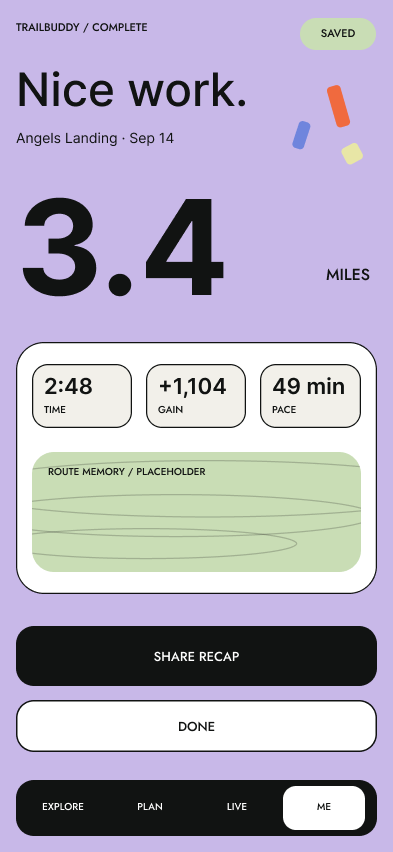
Participants described the refined experience as calm, minimal, and easy to navigate. The clearer end-hike flow and focused preparation tools were especially well received.
What I learned
TrailBuddy reinforced the value of connecting research directly to design decisions. Button language, contrast, confirmation, and flow structure all became trust-building tools.
Next, I would test the experience outdoors in real lighting, motion, and connectivity conditions, then explore community trail updates without compromising the focused solo-hiker experience.